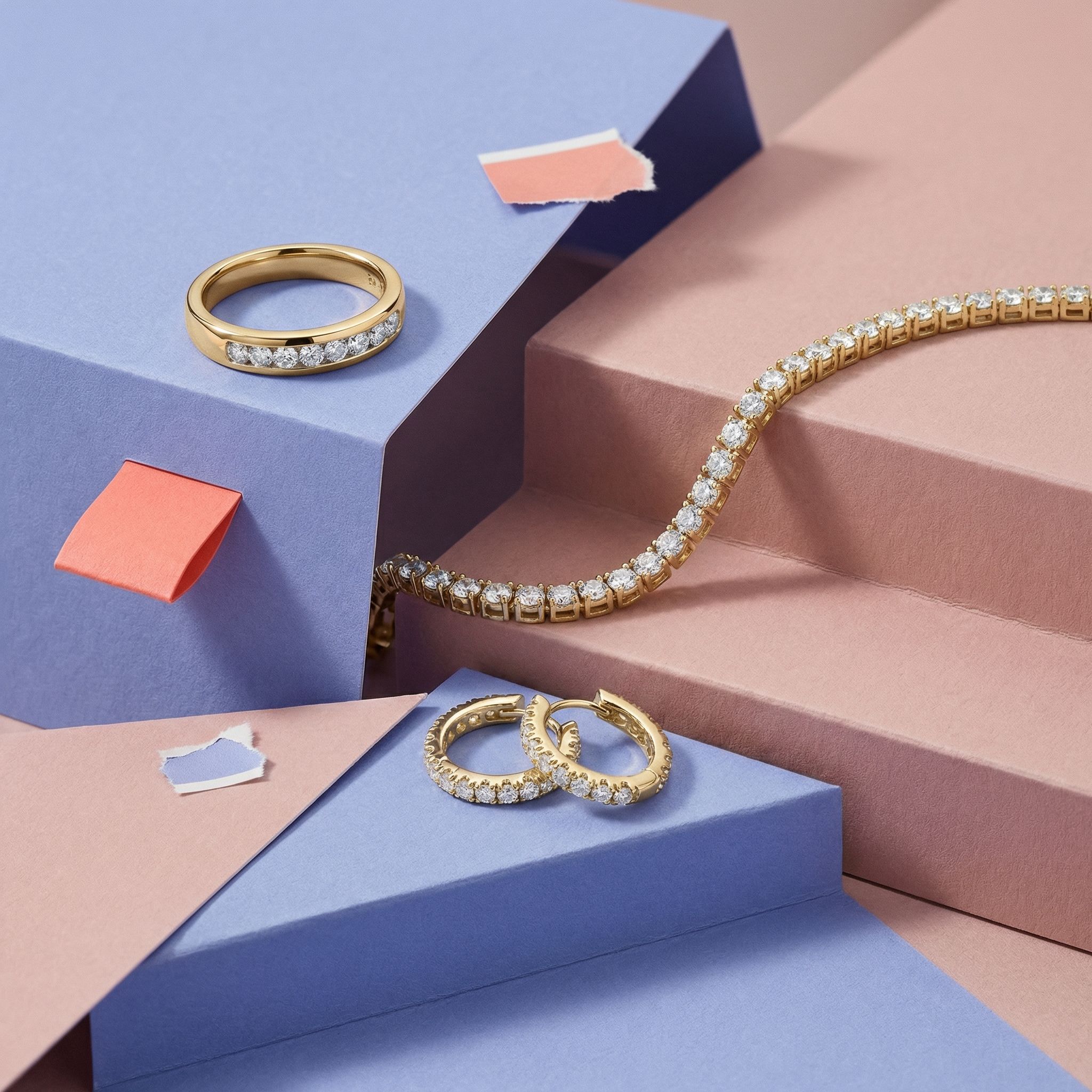
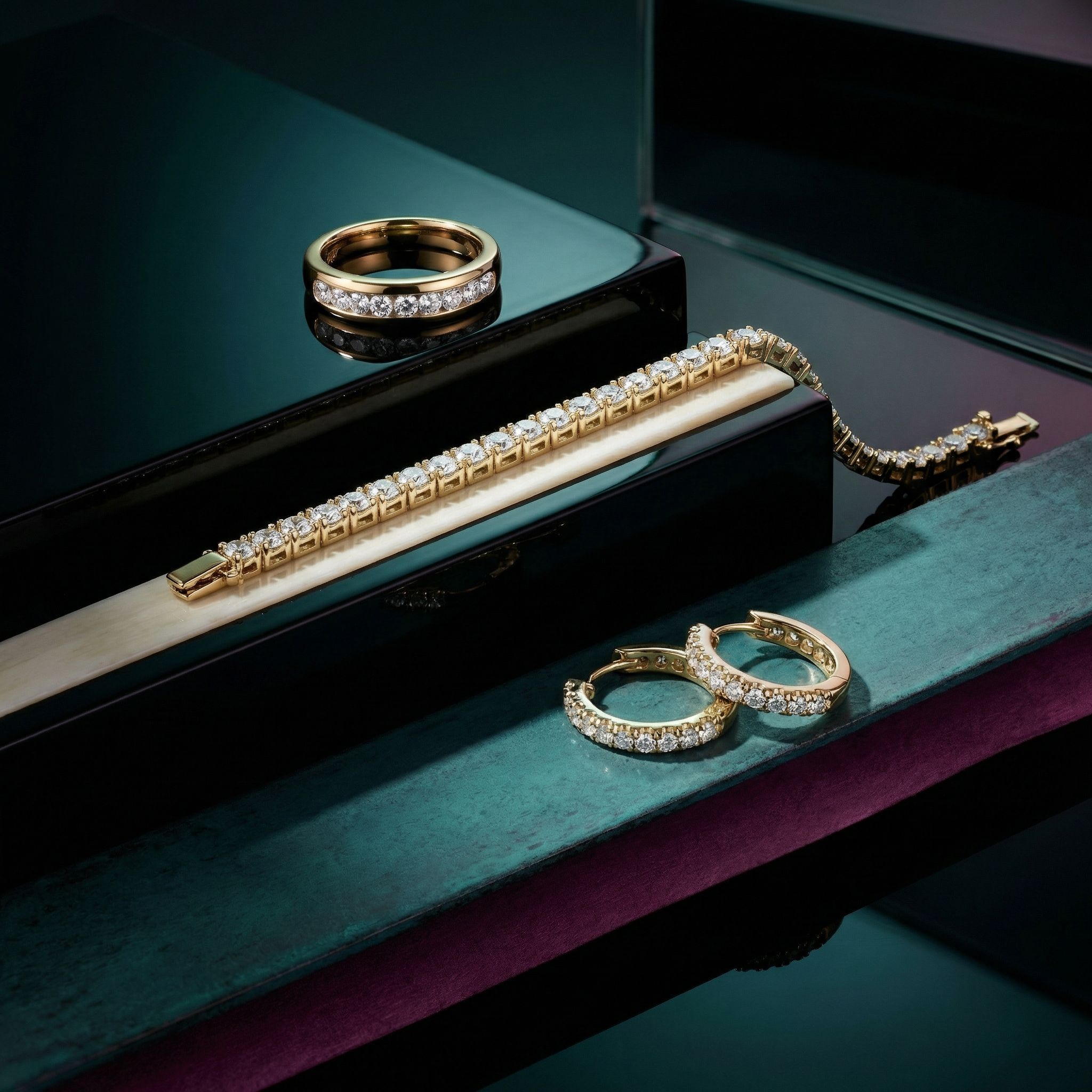
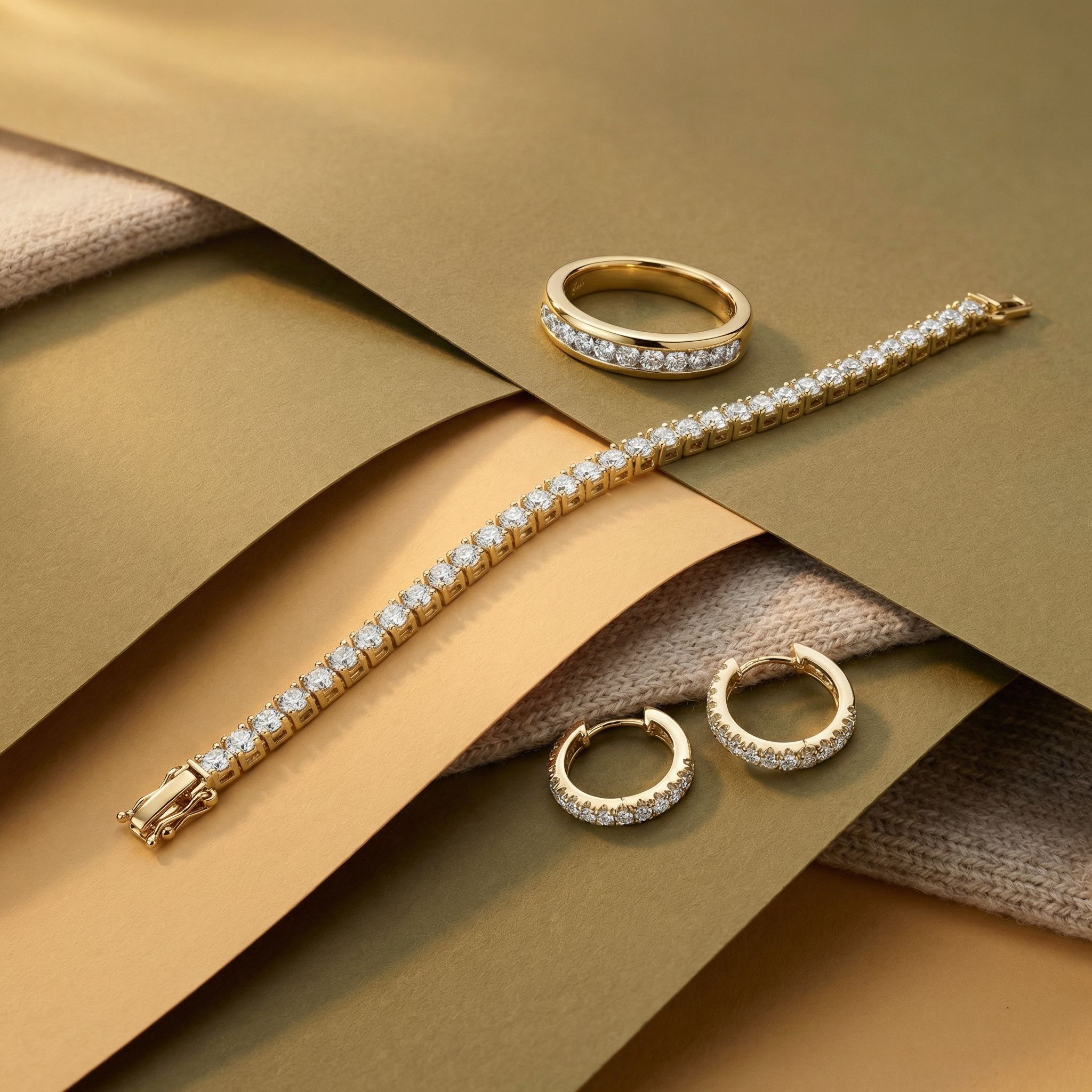
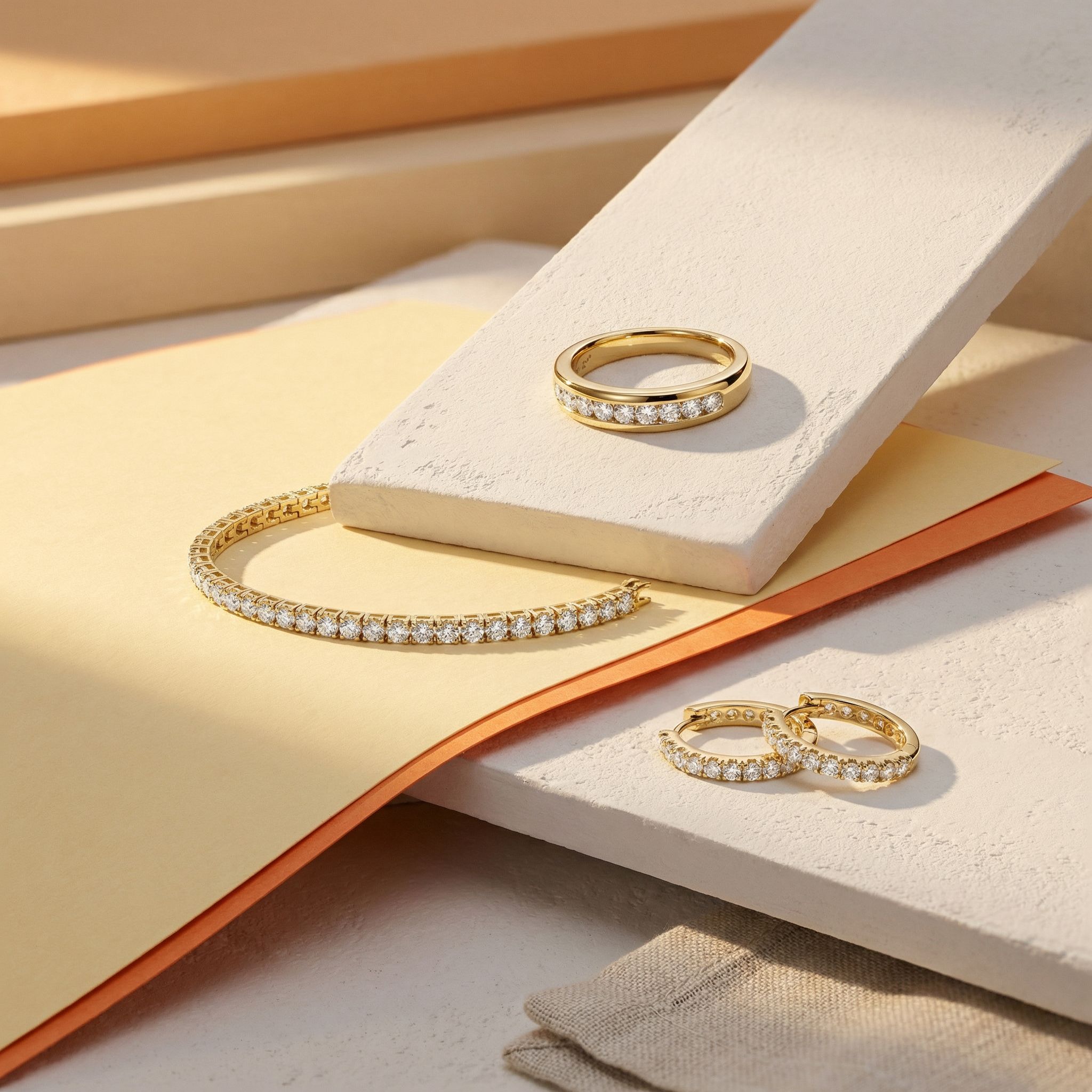

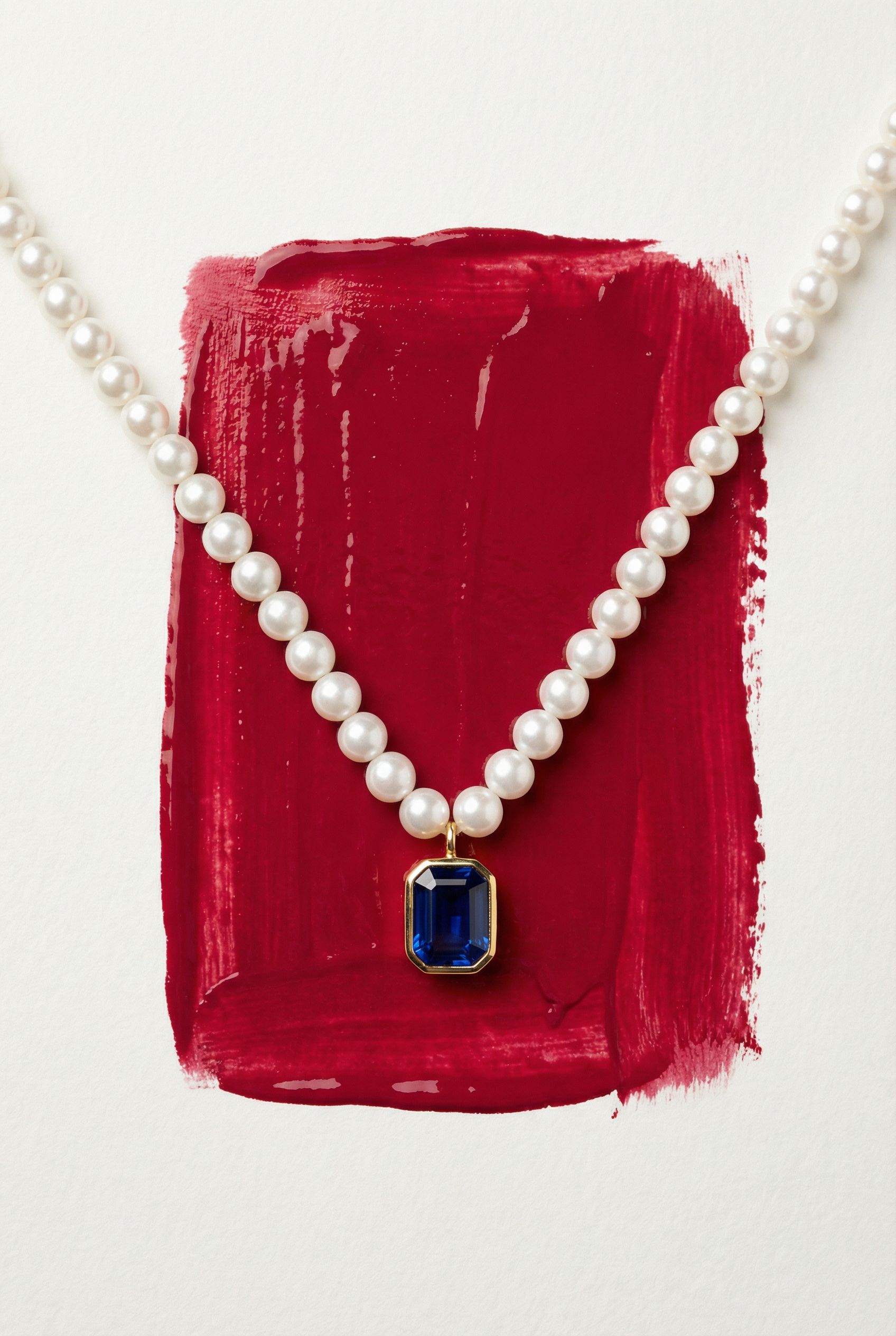
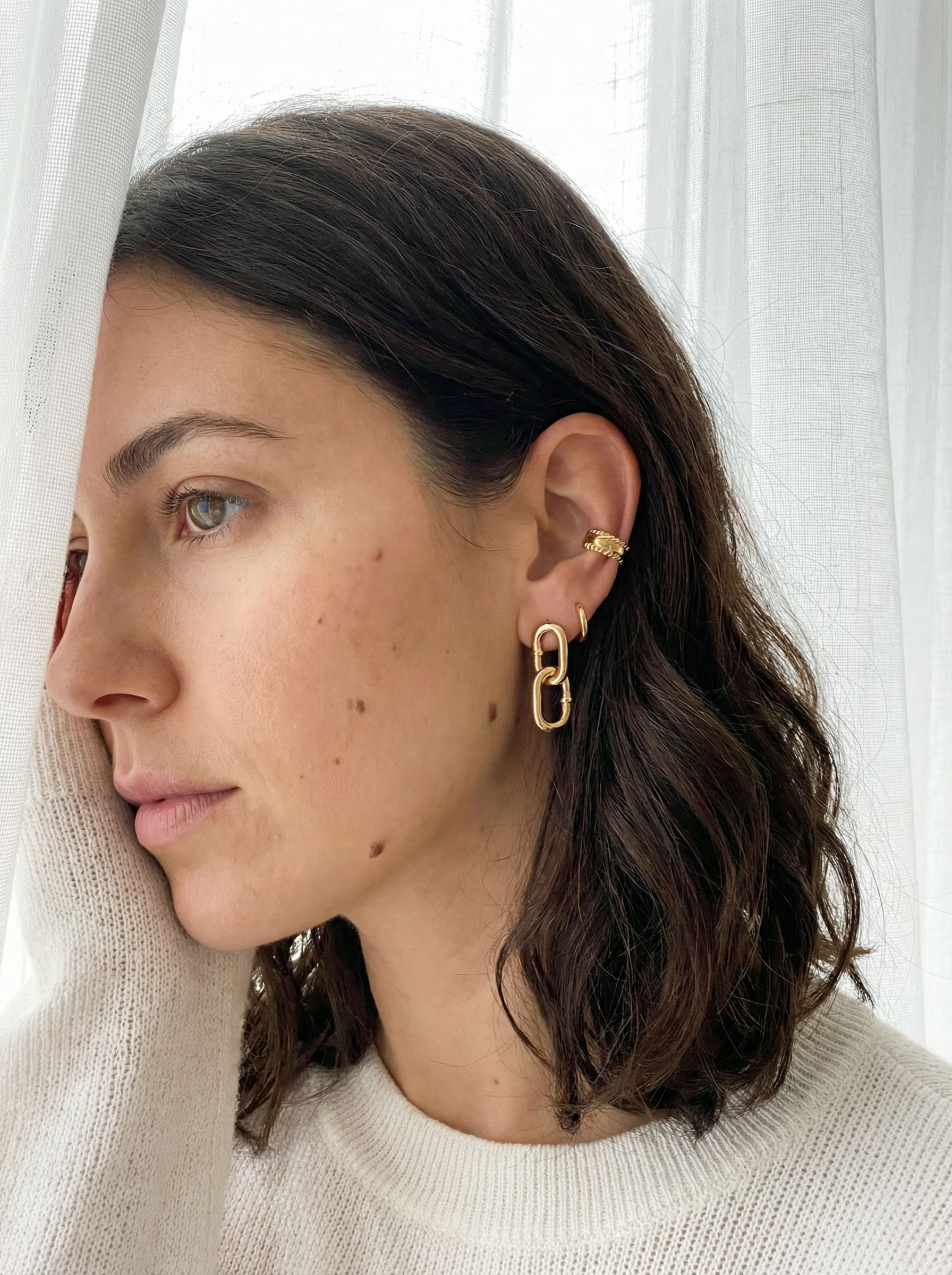
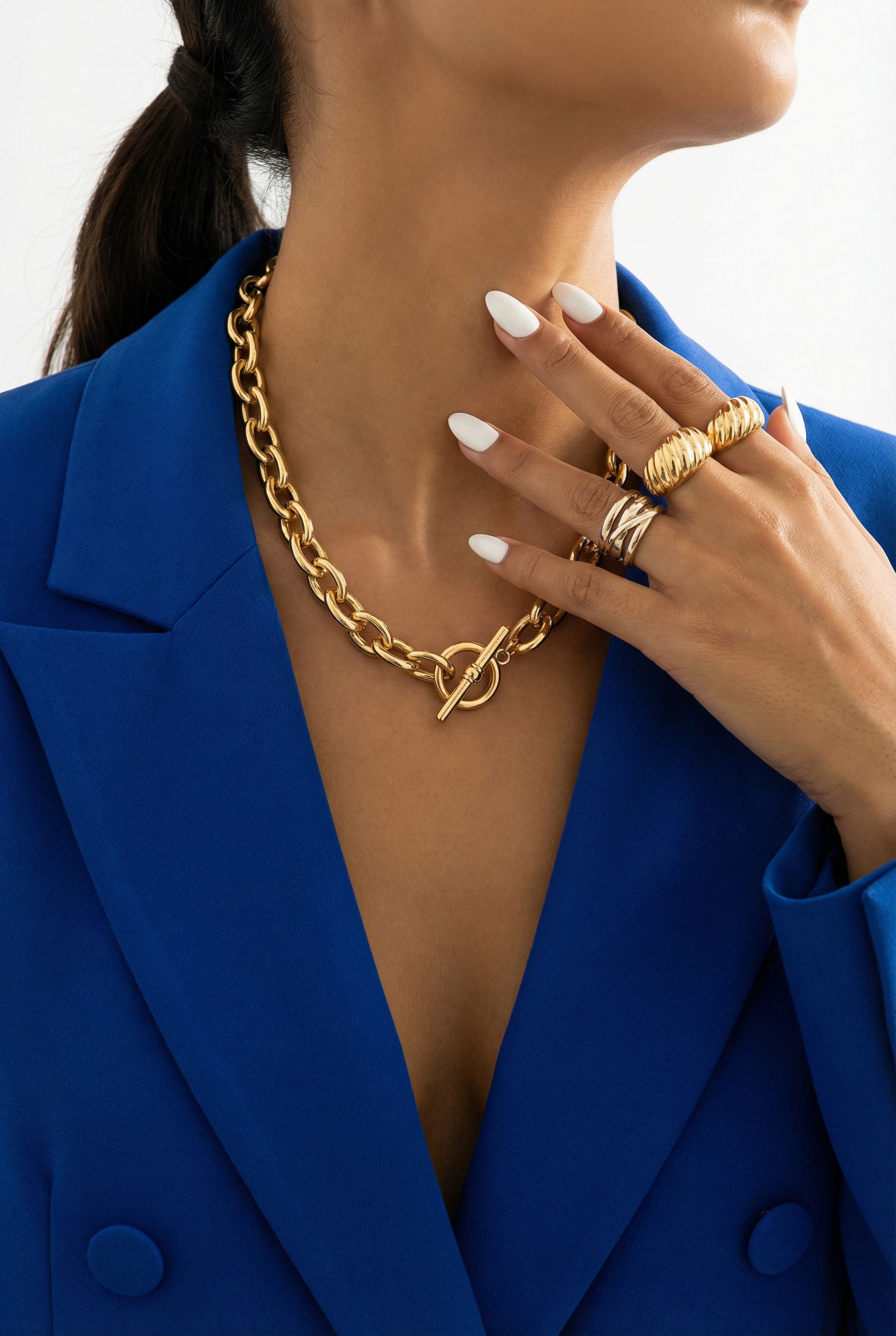
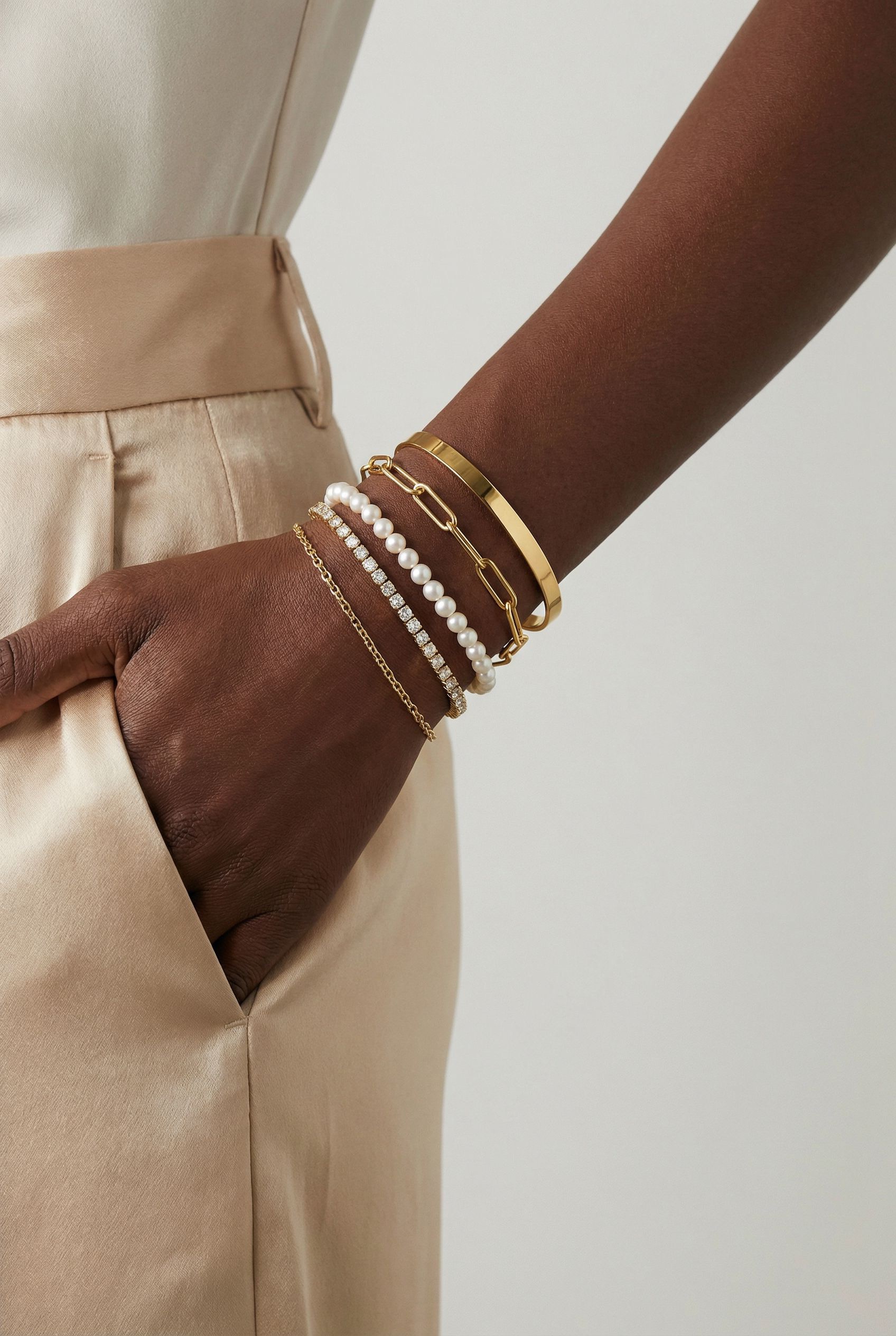
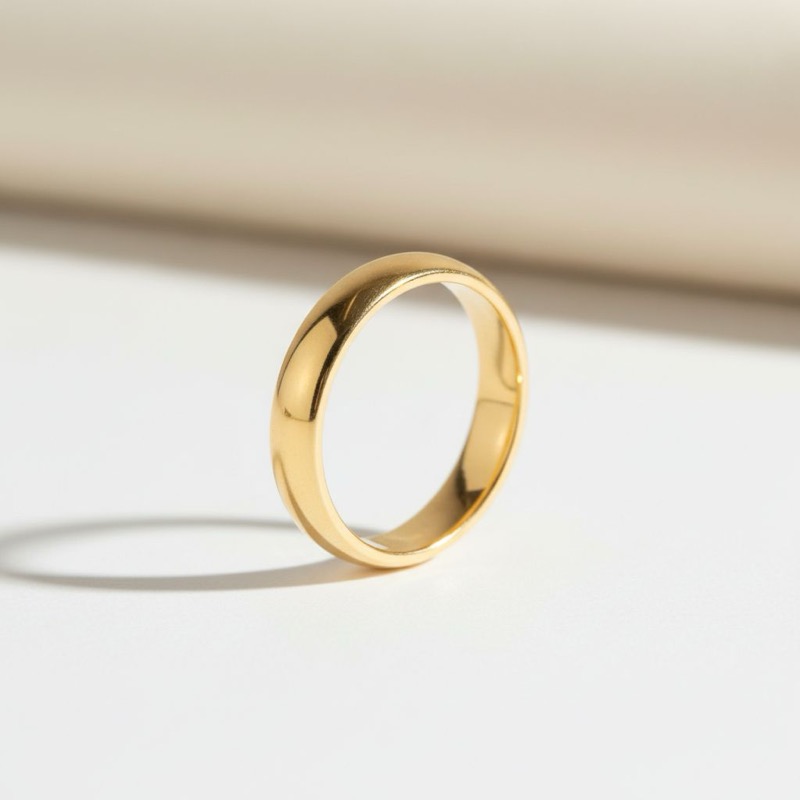
Generate or Replace? What 240 Jewelry AI Images Taught Us
Two AI workflows, 240 images, one durable lesson: generating a new image and replacing a product in an existing image are different jobs — and they have different winners.
Every few weeks someone asks us a version of the same question: which AI model should I use for my jewelry photos?
It is the wrong question. We know because we tested it the expensive way.
The study
In December 2025 we ran a two-part evaluation. First an elimination round across eleven image models to find which could produce usable jewelry photography at all. Then a systematic head-to-head: six frontier models, twelve rings, 270 pairwise evaluations, scored on preference, ring accuracy against the reference piece, and photorealism.
The full data lives in our research series — the baseline capability test, the head-to-head comparison and the studio shots follow-up. This article is about the one finding that outlived the leaderboard.
The finding
Model performance was not consistent across tasks. It split cleanly along a line we didn’t draw in advance:
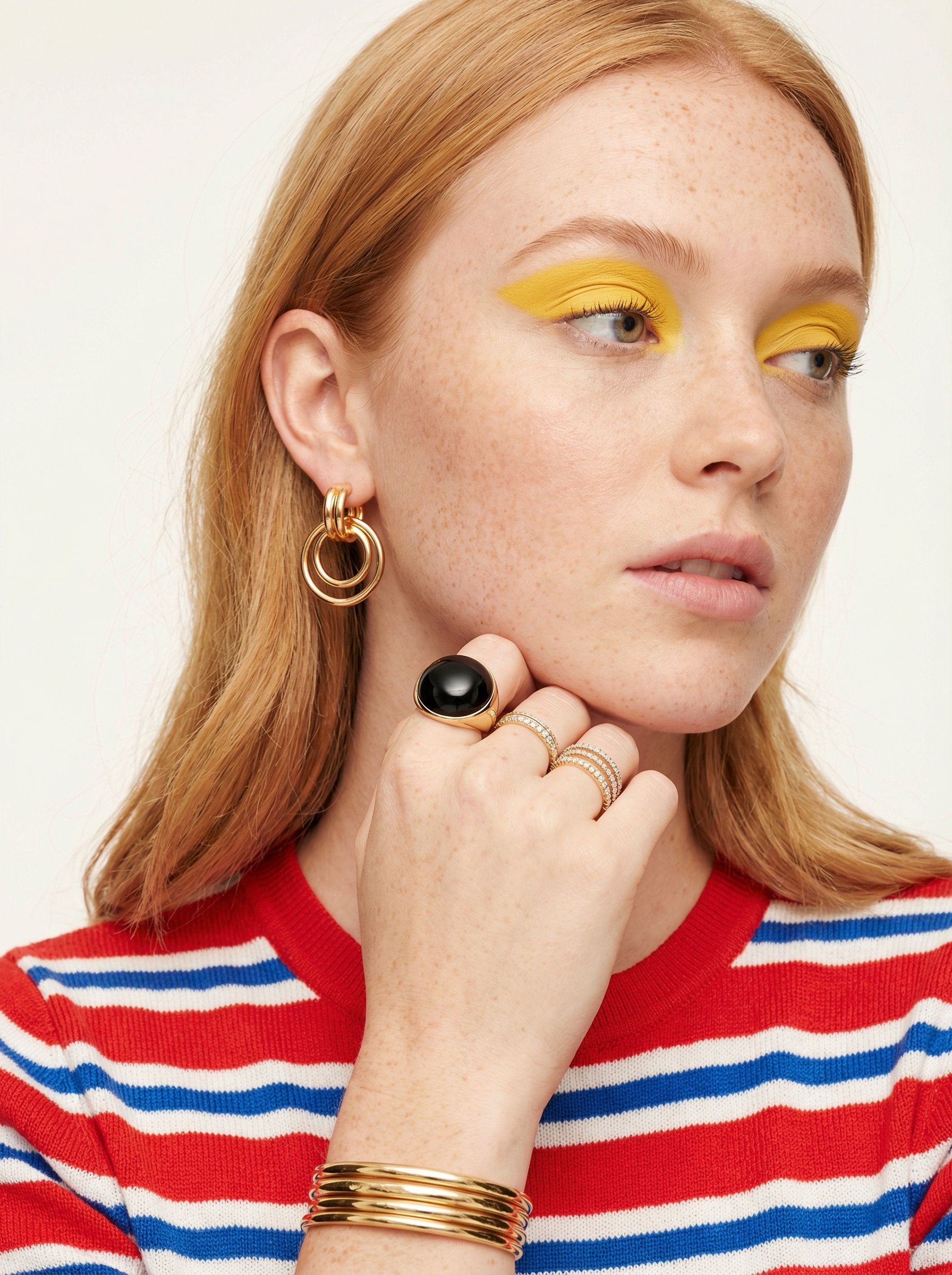
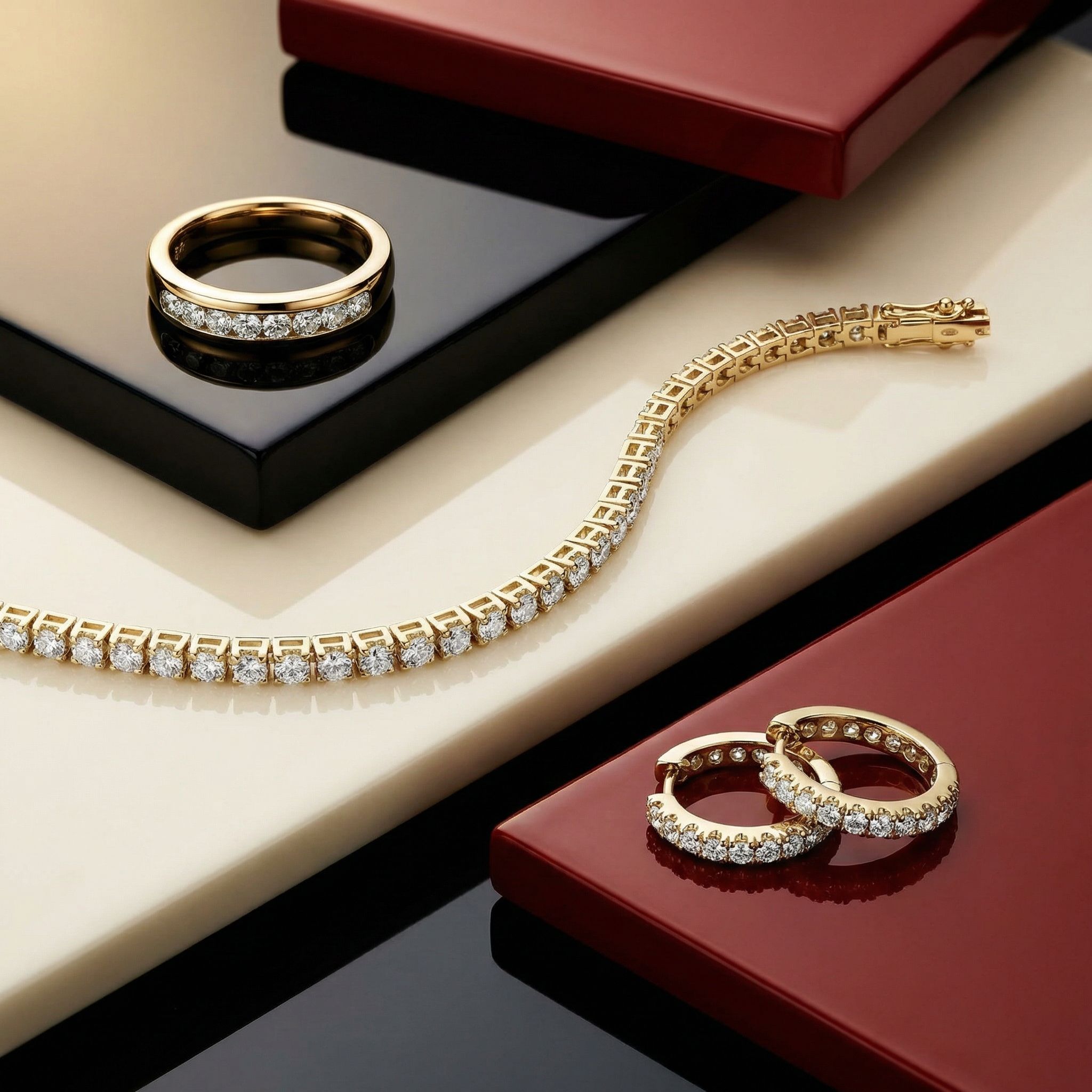
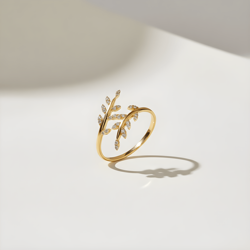
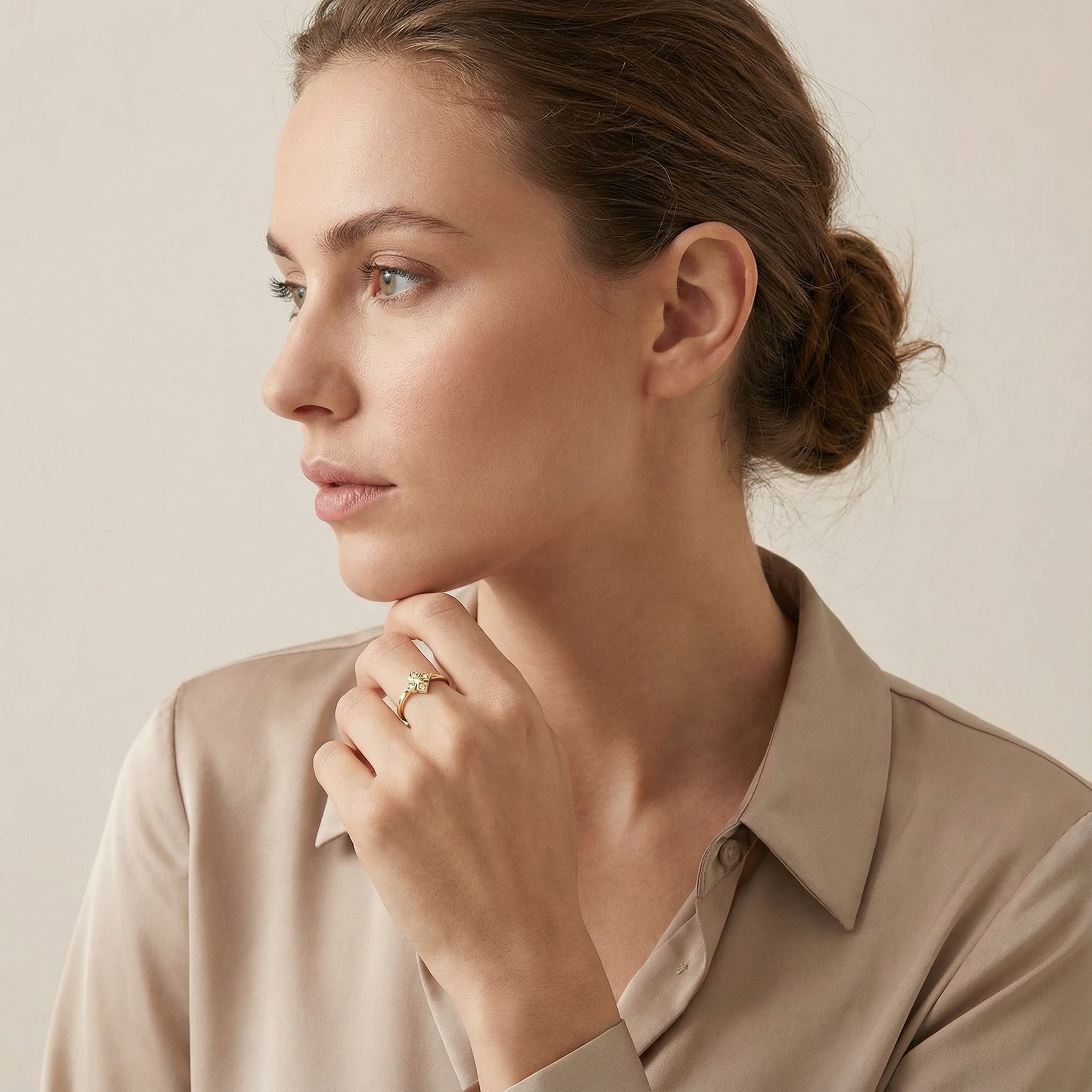
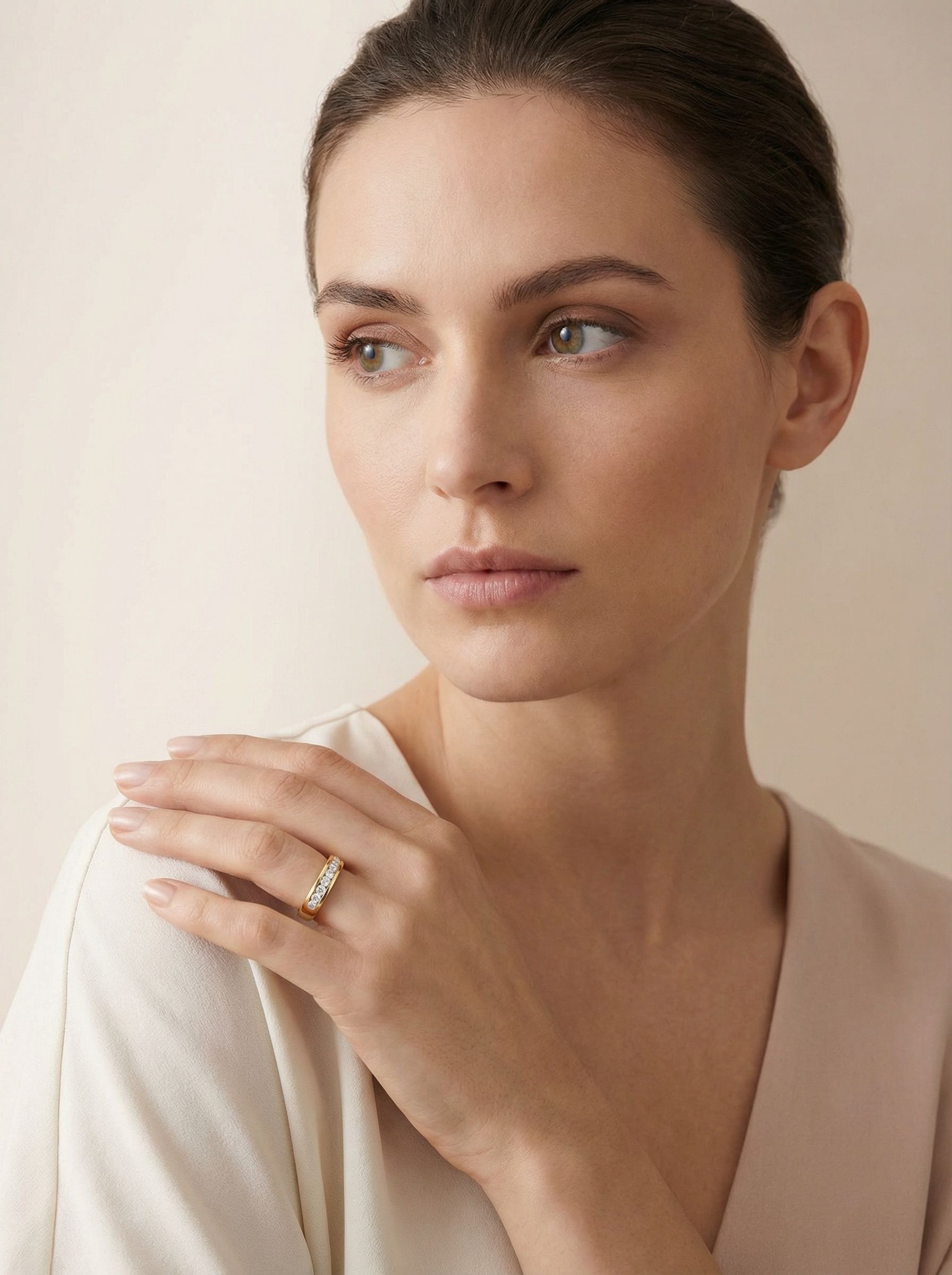
- Generation — create a new image of the ring from reference photos. One model family won these matchups at an 89% rate.
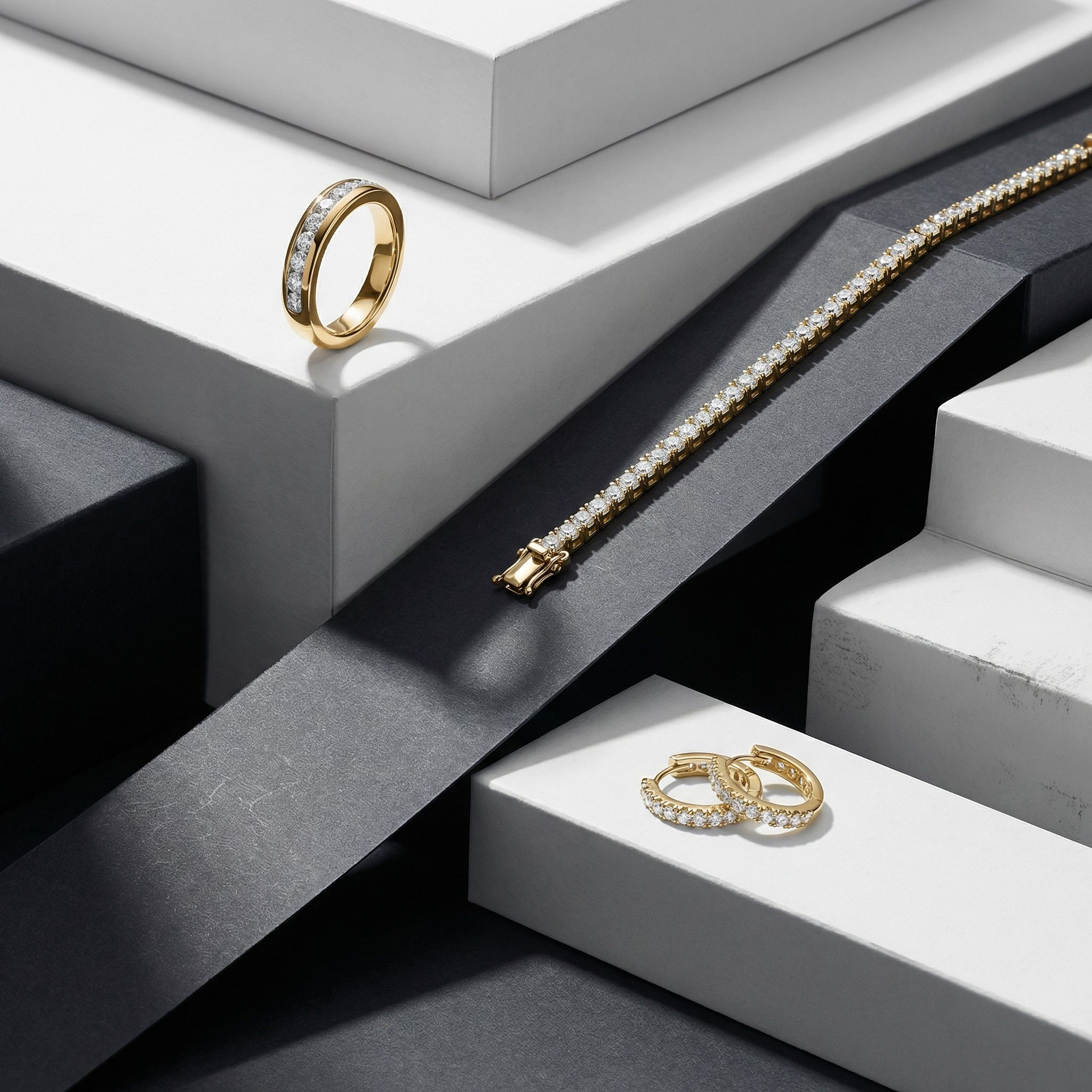
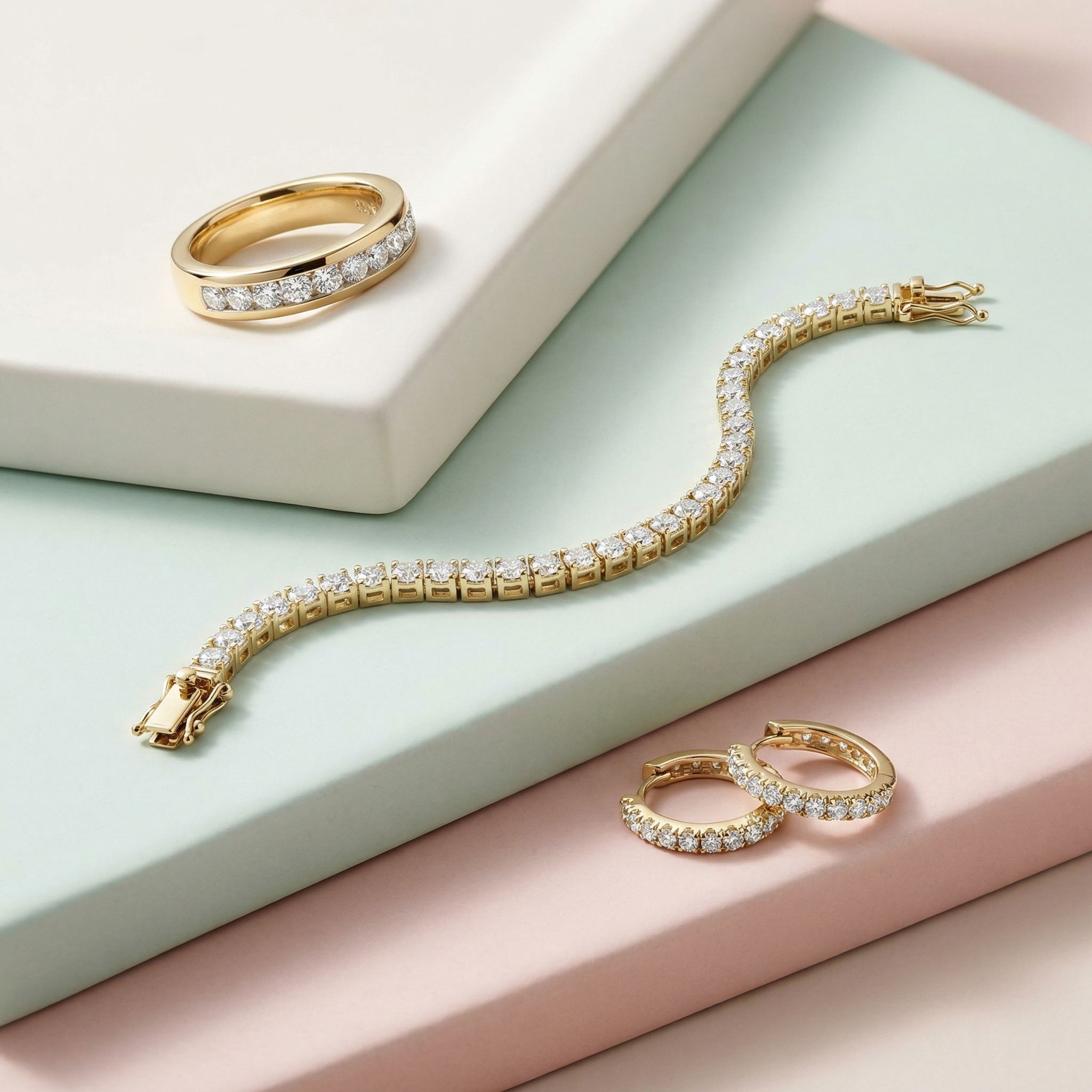
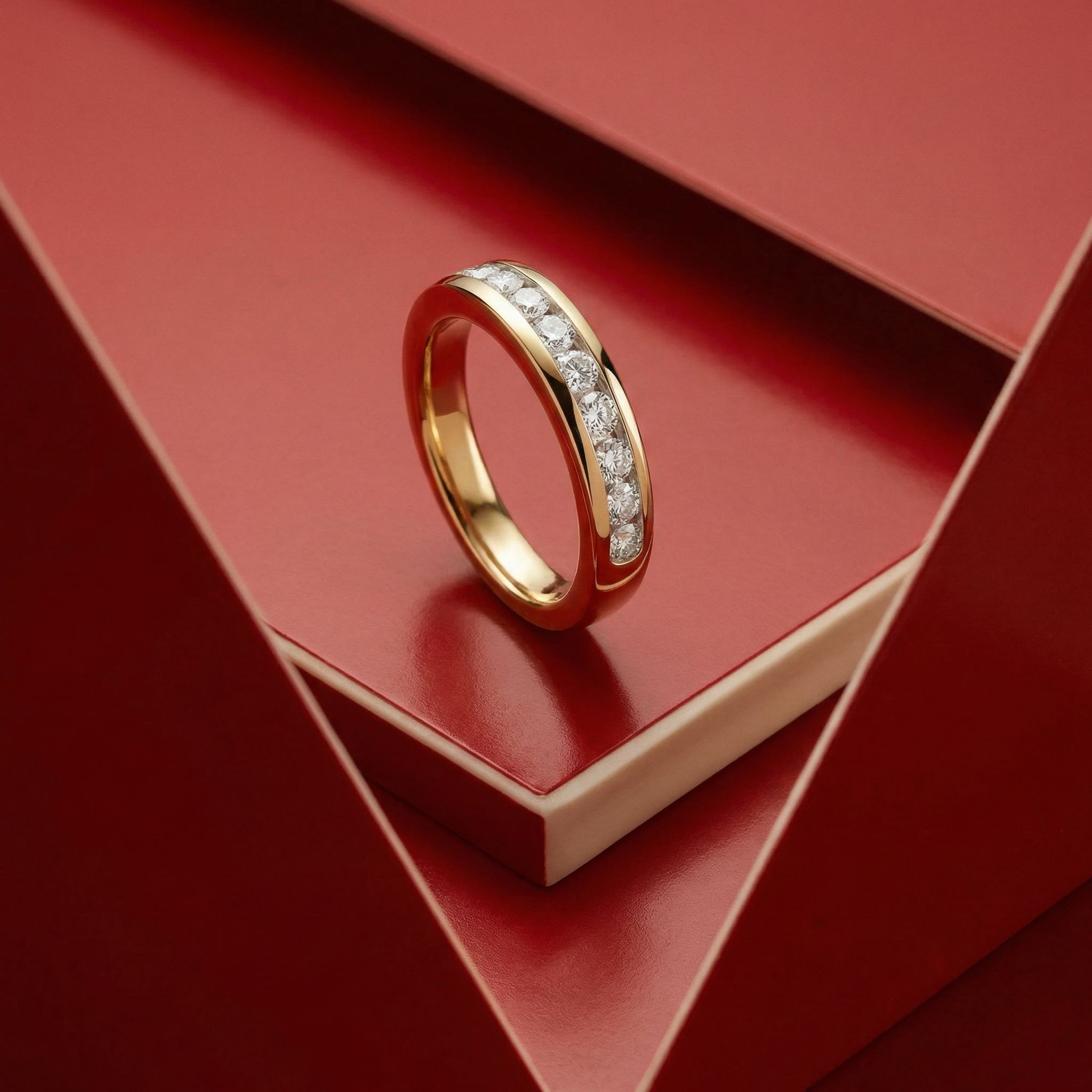
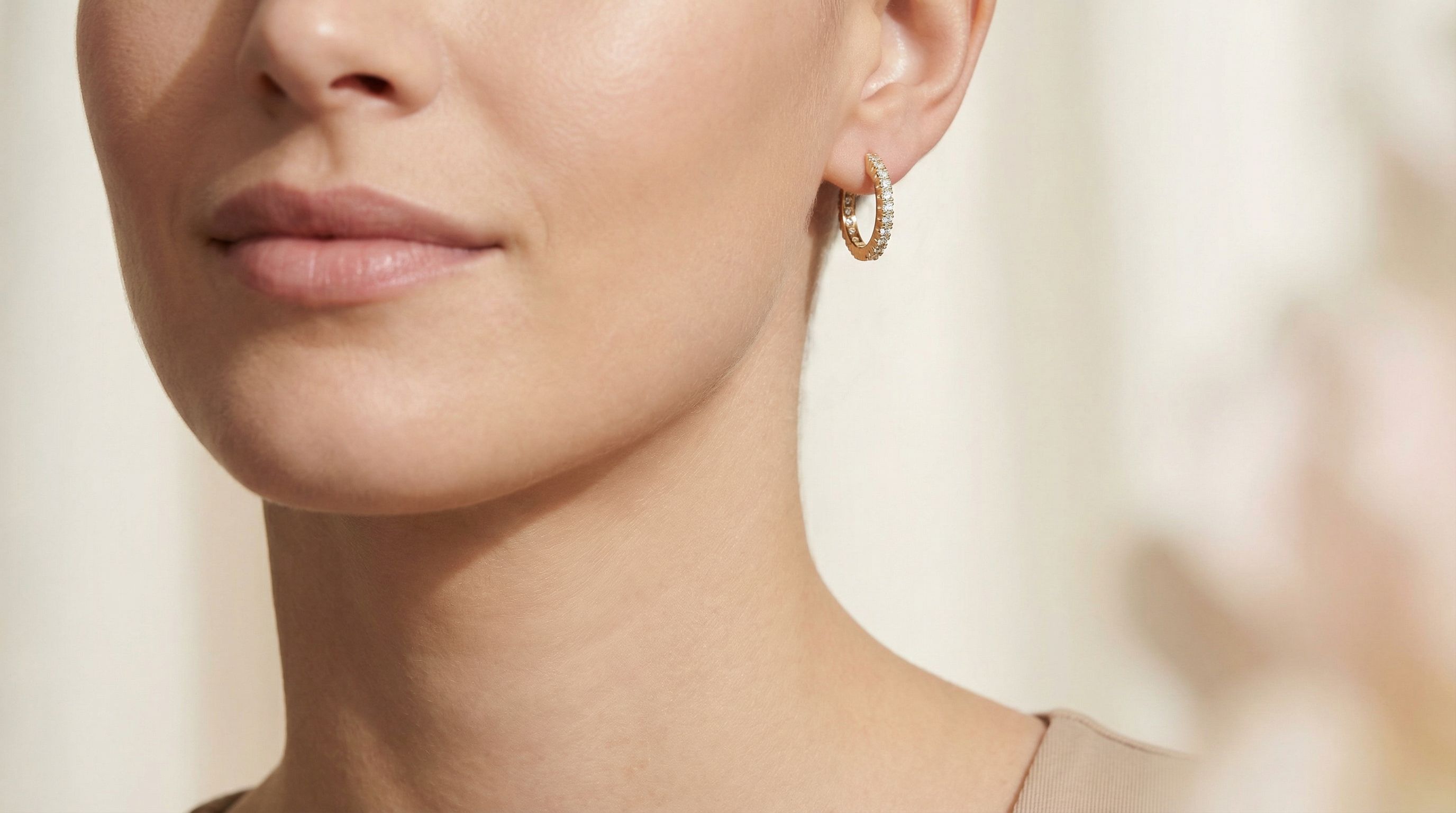
- Replacement — take an existing photograph and swap the jewelry for the exact catalog piece. A different model family won here, at 70%.
The same model that produced the most beautiful new scenes was mediocre at preserving an exact product. The most faithful replacer was unremarkable at inventing scenes. Generate and replace are different jobs. Evaluating them on one leaderboard is how shops end up with the wrong tool.
A note on freshness: the model rankings are a December 2025 snapshot and we deliberately don’t repeat the names here as a current recommendation — models change monthly, the workflow split hasn’t.
Why this matters for a jewelry shop
Jewelry is an accuracy business. A customer who orders the 8 mm clicker and receives something that looks unlike the photo returns it. So the question that actually matters is not “which model is best” but “which job am I doing?”
- New collection, no photography yet → generation problem.
- Existing photography, product needs to be exact → replacement problem.
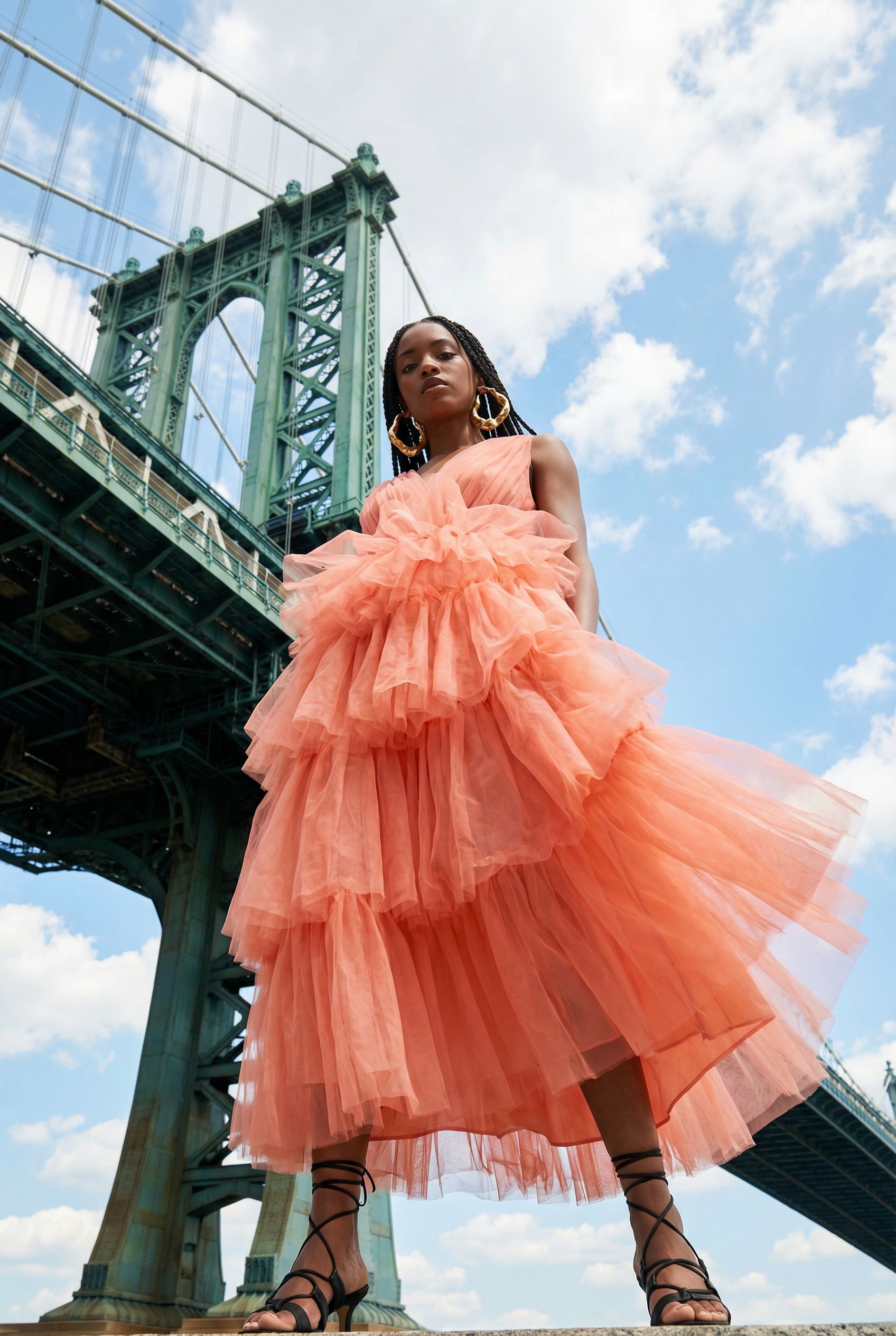
- Campaign imagery where the mood carries and the product is small in frame → generation, then verification.
We also scored cost per usable image — not cost per image. Between failure rates and retouching time, the spread across workflows ran from a few cents to over forty cents per image you can actually publish. The cheap-per-attempt option is often the expensive-per-usable one.
What we do with this
Our production method starts from the replacement side — the product is the one thing that must be true — and composes the scene around it. That method is documented in the next piece in this chain: Replace First, Compose Second.
Where this leads
This is the thinking behind our Visuals work. If you want it applied to your shop, start where we start: the Jewelry Commerce Diagnostic is free — we analyze your shop, brand and market, and tell you what to fix first, in plain language.
Work with StudioFormel